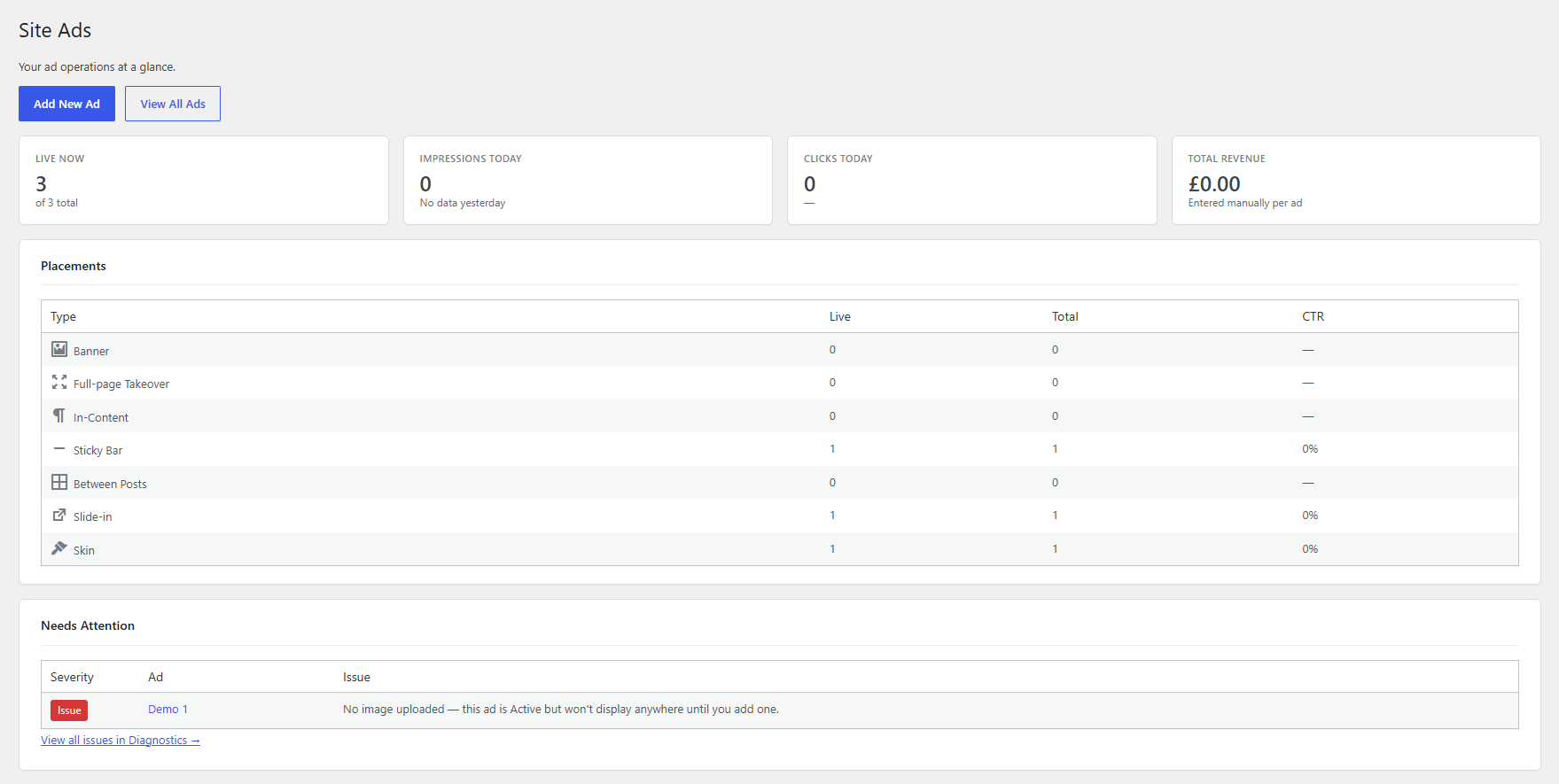
- Activate the plugin. A Site Ads menu appears in wp-admin, with Overview as its first item — live/paused counts, today's impressions/clicks, total revenue, a breakdown by placement type, and the top issues from Diagnostics, all read from data the plugin already tracks.
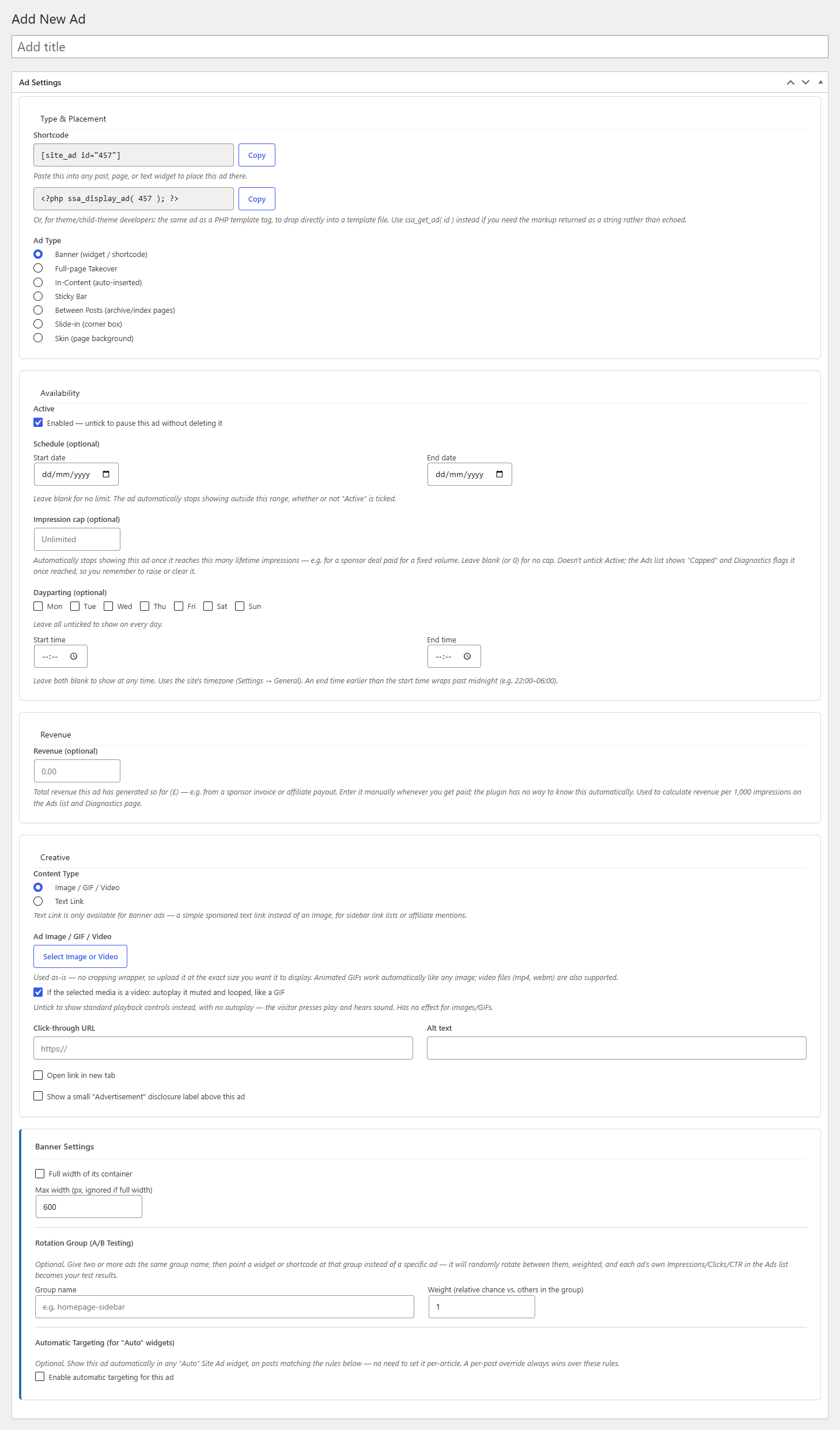
- Go to Add New Ad and choose a Type — most people start with Banner or Pop up.
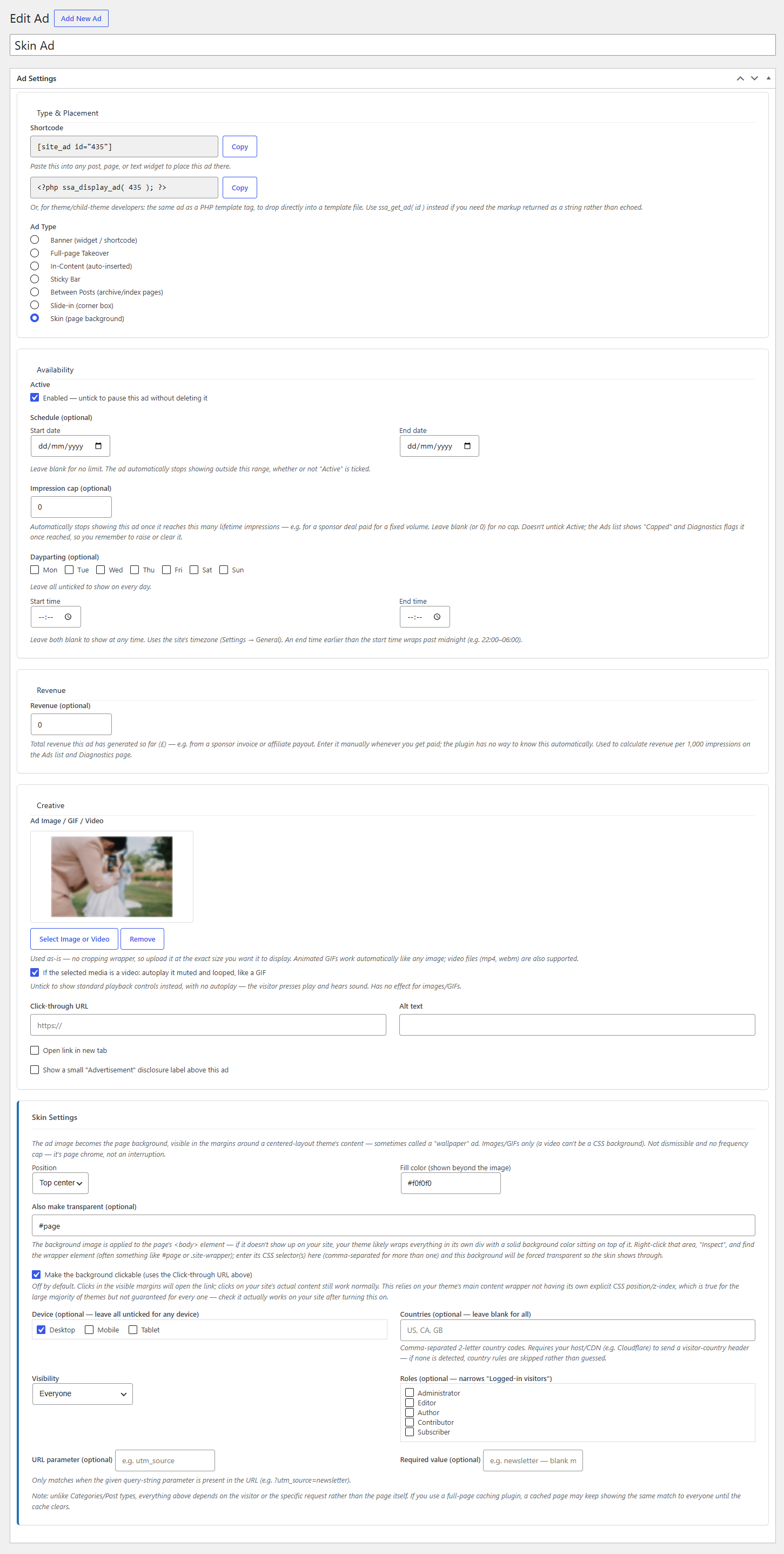
- Upload an image, animated GIF, or video at the exact size/aspect you want — there's no cropping wrapper, so what you upload is what renders.
- Set the click-through link, alt text, and "open in new tab" if you need it, then tick Active.
Where do ads actually appear?That depends on Type. Banner needs a shortcode, widget, or block placed somewhere. Pop up, Sticky Bar, Slide-in, and Skin are site-wide — once Active, they just appear. In-Content and Between Posts insert themselves automatically into matching content. See each type below.